
·8 min read·Mariano
AI tweet generators: free options and what you actually get
I tested the free AI tweet generators so you don't have to. Here's which ones produce usable tweets and which ones waste your time.
Most free AI tweet generators are ChatGPT with a wrapper#
I'll be blunt about this. The majority of "free AI tweet generators" you'll find are thin interfaces on top of ChatGPT or another language model, with a pre-written prompt that says something like "write a tweet about [topic]." You could do the same thing by opening ChatGPT and typing "write me a tweet about productivity."
Some of them add value beyond that. Most don't. I tried a bunch of them to see which ones actually produce tweets worth posting.
The problem with generic AI tweets#
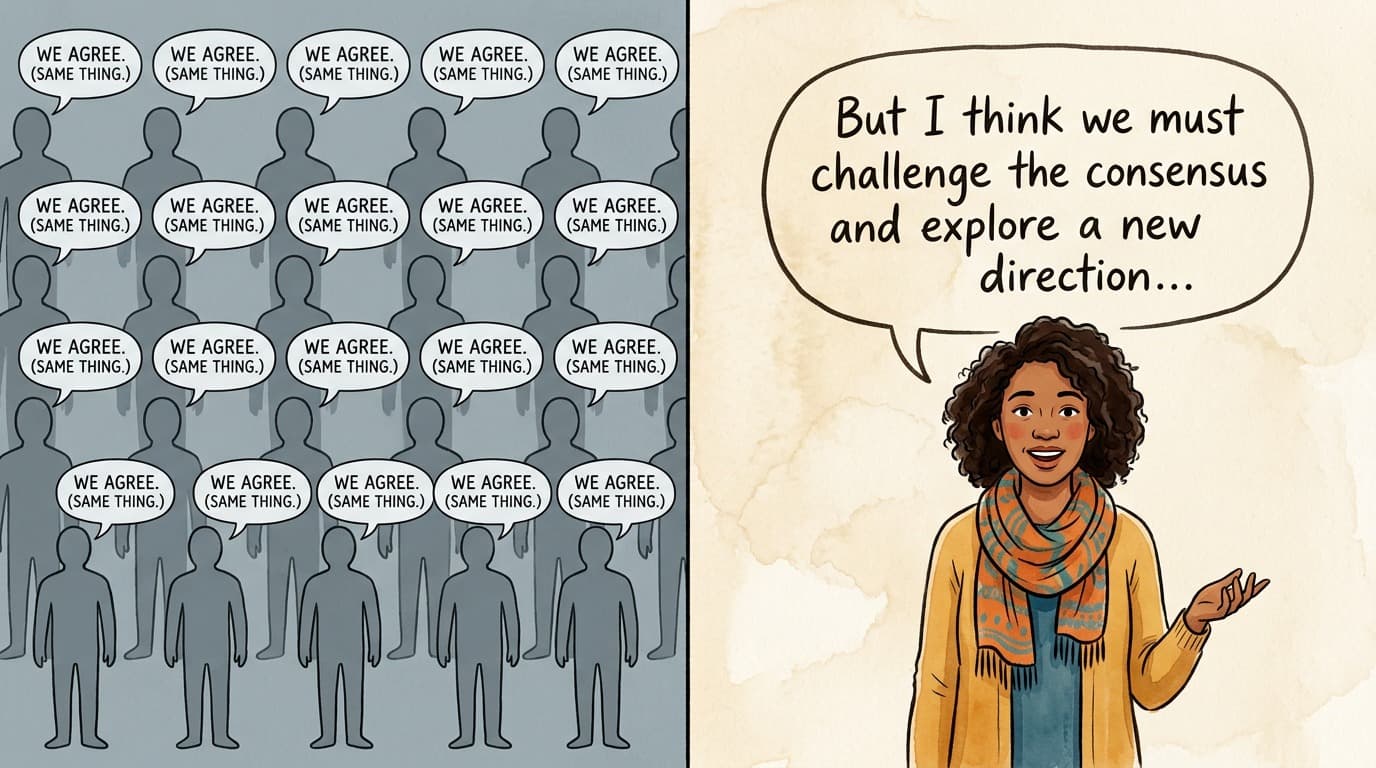
Before getting into specific tools, here's the core issue: language models are trained on the entire internet. When you ask one to "write a tweet," it produces something that sounds like the average of every tweet ever written. The output is grammatically correct, has the right length, and says absolutely nothing interesting.
You've seen these tweets in the wild. "Consistency is key to success. Keep pushing forward and never give up. Your future self will thank you." Technically it's a tweet. Nobody is engaging with it. Nobody is remembering the account that posted it.
The good AI tweet generators solve this by letting you give the model more context: your writing style, your niche, your specific angle. The bad ones just give you that generic output and call it a day.
Free tools I tested#
ChatGPT (free tier)#
The most obvious option. ChatGPT's free tier lets you ask it to write tweets. The quality depends entirely on how good your prompt is.
A lazy prompt like "write a tweet about startups" gives you garbage. A detailed prompt like "write a tweet from the perspective of a solo founder who's been bootstrapping for 2 years, about the moment you realize your side project has more revenue than your job — keep it under 200 characters, conversational tone, no hashtags" gives you something much better.
The problem is that crafting a good prompt every time you want a tweet is its own form of work. You end up spending 5 minutes writing a prompt to generate something you could have written in 3 minutes.
What's good: Free, flexible, you control the prompt entirely.
What's bad: No memory of your style between sessions (unless you set up custom instructions). No scheduling. No batch generation. You have to copy-paste into X manually. The output still needs heavy editing to not sound like AI.
Tweethunter (free tier)#
Tweethunter has a free tier that includes limited AI tweet generation. You type a topic, it generates a few tweet variations. The output quality is middling — better than raw ChatGPT with a lazy prompt, worse than ChatGPT with a good prompt. If you're considering Tweethunter's paid plan, you might want to read my Tweet Hunter alternative comparison first — there are cheaper options that do more.
The free tier is restrictive. You get a small number of AI generations per month, and the best features (viral tweet library, CRM, analytics) are locked behind the paid plan. It feels like a demo rather than a usable free tool.
What's good: Quick and easy. The viral tweet inspiration library is genuinely useful for seeing what formats work.
What's bad: Very limited free generations. The AI output is generic. Paid plan starts at $49/month, which is expensive.
Postwise AI (free trial)#
Postwise offers a free trial with AI tweet generation. The standout feature is their "GhostWriter" mode, where you can specify a writing style and it tries to match it. The concept is good, but the execution is hit-or-miss in the free tier.
Generated tweets tend to be on the generic side without significant style customization, and the trial period is short. Once it expires, you're looking at a paid subscription.
What's good: Style customization concept. Thread generation.
What's bad: Short trial period. Output still needs editing. Pricing is $49/month after trial.
TweetGPT (browser extension)#
TweetGPT is a Chrome extension that adds an AI button to X's composer. Click it, pick a mood (funny, professional, controversial, etc.), and it generates a tweet in place.
It's free and the convenience factor is high — you don't leave X. But the quality is what you'd expect from a mood-based generator. "Controversial" doesn't mean "has a nuanced hot take." It means "contrarian-sounding platitude."
What's good: Free. Lives inside X so no context switching. Quick.
What's bad: Quality is low. No style learning. No scheduling. The "moods" are too broad to produce anything specific.
Rytr (free tier)#
Rytr is a general AI writing tool with a free tier that includes a "Twitter Tweets" template. You pick a topic and tone, and it generates tweet options.
The output is on par with other generic generators. The free tier gives you 10,000 characters per month, which is enough for a handful of tweets. The tool isn't Twitter-focused — tweets are one of many templates alongside blog posts, emails, and ad copy.
What's good: Generous free tier for a general writing tool. Multiple output variations.
What's bad: Not built for Twitter specifically. Output is generic. No style matching. No scheduling integration.
The pattern across free tools#
After testing these, a clear pattern emerged:
Free AI tweet generators either give you generic output from a basic prompt, or they give you a taste of better features locked behind an expensive paywall. The free tier is always the worst version of the product.
The generated tweets are usable as starting points, but none of them produced tweets I'd post without significant editing. The "AI wrote it, I'll just schedule it" workflow doesn't work with any free tool I tested. You still end up rewriting half the tweet.
What actually improves AI tweet quality#
Through all this testing, I noticed that the biggest factor in tweet quality isn't which AI tool you use. It's how much context the tool has about how you write.
A generic AI prompt produces generic tweets regardless of whether you're using ChatGPT, Rytr, or any other tool. The output improves dramatically when the AI has:
- Examples of your actual tweets (so it can mimic your sentence length, vocabulary, and tone)
- Examples from creators you want to sound like (so it has a style reference)
- Your specific niche and audience (so the content is relevant, not generic)
This is why I built EchoPost the way I did. Instead of generating tweets from a topic and a mood dropdown, you feed it real tweets — yours or from creators you admire — and it learns the style. The output sounds like a specific person, not like Generic LinkedIn Guy Who Discovered Twitter.
EchoPost also has batch generation (type a topic, get multiple tweet ideas back) and scheduling built in, so you go from "I need to post something" to "here are 5 options, pick your favorite, it's scheduled for tomorrow" in a couple of minutes. If you want to compare it against other scheduling options, I wrote up the best twitter schedulers in a separate post.
It's not free — $9/month early bird, $19/month regular, with a 7-day trial. Whether that's worth it depends on how many tweets you're trying to produce. If you post once a week and don't mind editing ChatGPT output, the free route is fine. If you post daily and want output that doesn't need heavy editing, the style-matching approach saves enough time to justify the cost.
My honest take on free vs. paid#
If your budget is genuinely zero, use ChatGPT with detailed prompts. Skip the purpose-built free tools — they're mostly worse than ChatGPT with a good prompt, and they exist to upsell you on a $49/month plan.
Spend 10 minutes writing yourself a custom instruction that describes your voice, your niche, and what kind of tweets you post. Something like: "I'm a frontend developer who tweets about React, TypeScript, and career advice for junior devs. My tone is casual and opinionated. I use short sentences. I never use hashtags or emojis. I sometimes start tweets with a bold statement and then explain it." That prompt will produce better output than any free tool with a "topic + mood" interface. If you want even more structure, I put together a list of twitter post templates that you can use as a starting framework for your prompts.
If you post frequently and want better output with less editing, a paid tool that learns your style will save you time. EchoPost is what I built for that use case, but Hypefury and Typefully also have AI features (though style matching isn't their focus). And if you're looking for more than just writing help — a complete strategy around engagement, timing, and content — check out my guide on how to write viral tweets.
The real question isn't "which AI tweet generator is free." It's "how much time am I spending writing tweets, and is a paid tool worth the time it saves?" For most people posting daily, the answer is yes — and once you have content, you'll want a solid way to schedule tweets on X so it actually goes out consistently. For someone posting twice a week, maybe not.
ai tweet generatorai tweet generator freetweet generatorai twitter
All postsRelated posts

·11 min read
The best Tweet Hunter alternative in 2026 (and why I switched)
Looking for a Tweet Hunter alternative? I used Tweet Hunter for over a year before building my own tool. Here's what actually works, what doesn't, and which alternatives are worth your money.
tweet hunter alternativetweethunter alternativetwitter tools
·7 min read
AI ghostwriter for Twitter: what works, what doesn't
Using AI to write tweets that sound like you rather than like everyone else. What I've learned from building and using AI writing tools for X.
ai ghostwriter twitterai tweet writerai writing tool

·12 min read
The best Buffer alternative for Twitter in 2026 (for X-focused creators)
Looking for a Buffer alternative for Twitter? I compared EchoPost, Typefully, Hypefury, Publer, Later, and Hootsuite to find the best option depending on what you actually need.
buffer alternativebuffer alternative for twittertwitter tools