
·9 min read·Mariano
Best Twitter schedulers in 2026 (I tried them all)
An honest look at the best tools to schedule tweets on X in 2026. I've used every one of these, including the one I built myself.
I've spent way too long thinking about twitter schedulers#
I've been scheduling tweets since 2021. I've tried every app that promises to "10x your reach" or "grow your audience on autopilot." Most of them are fine. A few are great. Some are weirdly bad for what they charge.
After building my own twitter scheduling app — EchoPost — I figured I should write up what I actually think about each tool. No affiliate links, no sponsorships. Just opinions from someone who's used all of them.
Here's what I look for in a twitter scheduler: does it let me schedule tweets in advance without friction, does the UI get out of my way, and does it actually do something I can't do in X's native composer? That last one matters more than people think. If you're new to scheduling and want a step-by-step walkthrough of every method, I wrote a full guide on how to schedule tweets on X.
EchoPost (the one I built)#
Full disclosure: I built EchoPost, so take everything I say about it with that in mind. I'm obviously biased. But I also built it because the other tools weren't doing what I wanted.
What bugged me about existing twitter schedulers was that they all treated content creation and scheduling as separate problems. You'd still stare at a blank composer, write something mediocre, and schedule it to go out at 9 AM. The scheduling part was solved. The "what do I actually post" part wasn't.
EchoPost uses AI to help you write tweets that sound like you. You can feed it examples of creators you admire, and it picks up on their style, then generates tweets in that voice. There's also a batch generation feature where you type a topic and get a handful of tweet ideas back. The ones you like, you schedule. The ones you don't, you throw away. If you're curious about how AI tweet writing compares across tools, I tested a bunch of free AI tweet generators and wrote up what I found.
It's built only for X. No Instagram, no LinkedIn, no "connect 15 platforms." That focus means the composer, the AI, and the scheduling are all designed around how Twitter actually works.
It's still early. There are features I want to add that aren't there yet. But if your main problem is "I know I should post more but I never know what to say," that's specifically what I built it to fix.
Pricing: $19/month with a 7-day free trial. Early bird pricing at $9/month for the next 50 signups.
Best for: People who struggle with what to post, not just when to post.
Buffer#
Buffer has been around forever. It was one of the first social media schedulers, and it still works the way you'd expect: write a tweet, pick a time, hit schedule.
The good part is simplicity. Buffer doesn't try to be clever. You set up posting slots for each day of the week, and it fills them in order. If you just want to batch-write tweets on Sunday and have them go out during the week, Buffer does that well.
The problem is that Buffer treats Twitter the same as LinkedIn, Instagram, Facebook, and everything else. It's a generalist tool. The composer doesn't understand threads. There's no AI writing help. Analytics are surface-level. You get the same experience regardless of platform, which sounds nice in theory but means no platform gets the attention it deserves. If you're looking specifically for something better than Buffer for Twitter, I wrote a full Buffer alternative comparison.
Pricing: Free plan covers 3 channels. Paid starts at $6/month per channel.
Best for: People who post across multiple platforms and want one dashboard for everything.
Typefully#
Typefully is the one I recommend most often to people who take Twitter seriously. It's built specifically for Twitter (and Bluesky now), and you can tell. The writing experience is excellent.
The editor feels like a notes app. You write threads in a clean interface, drag to reorder tweets, and preview how they'll look before posting. They also have "Tweet Shots" for turning long text into images, and their analytics actually show you which tweets performed well and why.
Where Typefully falls short is scheduling flexibility. The queue system works well for consistent daily posting, but if you want fine-grained control over timing for specific tweets, it can feel rigid. Also, it's not cheap for what you get. I wrote a full Typefully alternative comparison if you like the concept but want to explore other options.
Pricing: Free plan is limited. Pro is $12.50/month billed yearly.
Best for: Writers and thread-heavy accounts who want a polished writing environment.
Hypefury#
Hypefury positions itself as a growth tool, not just a scheduler. It auto-retweets your best-performing tweets, lets you set up "engagement campaigns," and has features for turning tweets into other content formats.
I have mixed feelings about Hypefury. The automation features are genuinely useful if you're optimizing for follower growth. Auto-plugs (adding a promotional reply to viral tweets) work, even if they feel a bit spammy. The scheduling interface is solid. If you're currently using Tweet Hunter and wondering whether to switch, I compared them head-to-head in my Tweet Hunter alternative post.
But the app tries to do too much. There's a sales funnel builder, newsletter integration, Instagram cross-posting. The UI gets cluttered. And some of the "growth hacking" features encourage the kind of engagement-bait behavior that I think hurts accounts long-term. Algorithmically you might grow, but your actual audience might not care about you.
Pricing: Starts at $19/month.
Best for: Growth-focused accounts that want automation beyond just scheduling.
TweetDeck (X Pro)#
TweetDeck used to be free. Then X put it behind the Premium subscription. For $8/month (which you might already be paying for the blue checkmark), you get column-based monitoring, scheduled tweets, and multi-account management.
The scheduling itself is basic: pick a date and time, done. No queue system, no AI, no analytics beyond what X already shows you. But if you're already paying for X Premium, it's technically "free" and it lives inside the X ecosystem, so your tweets post natively without any third-party quirks.
The interface is functional but dated. Columns are useful for monitoring keywords and lists in real-time. If you think of TweetDeck as a monitoring tool that also schedules, it makes more sense than thinking of it as a scheduler that also monitors. If you're here because TweetDeck moved behind a paywall and you want something free, I have a full roundup of TweetDeck alternatives.
Pricing: Included with X Premium ($8/month).
Best for: People already paying for X Premium who want basic scheduling without another subscription.
Hootsuite#
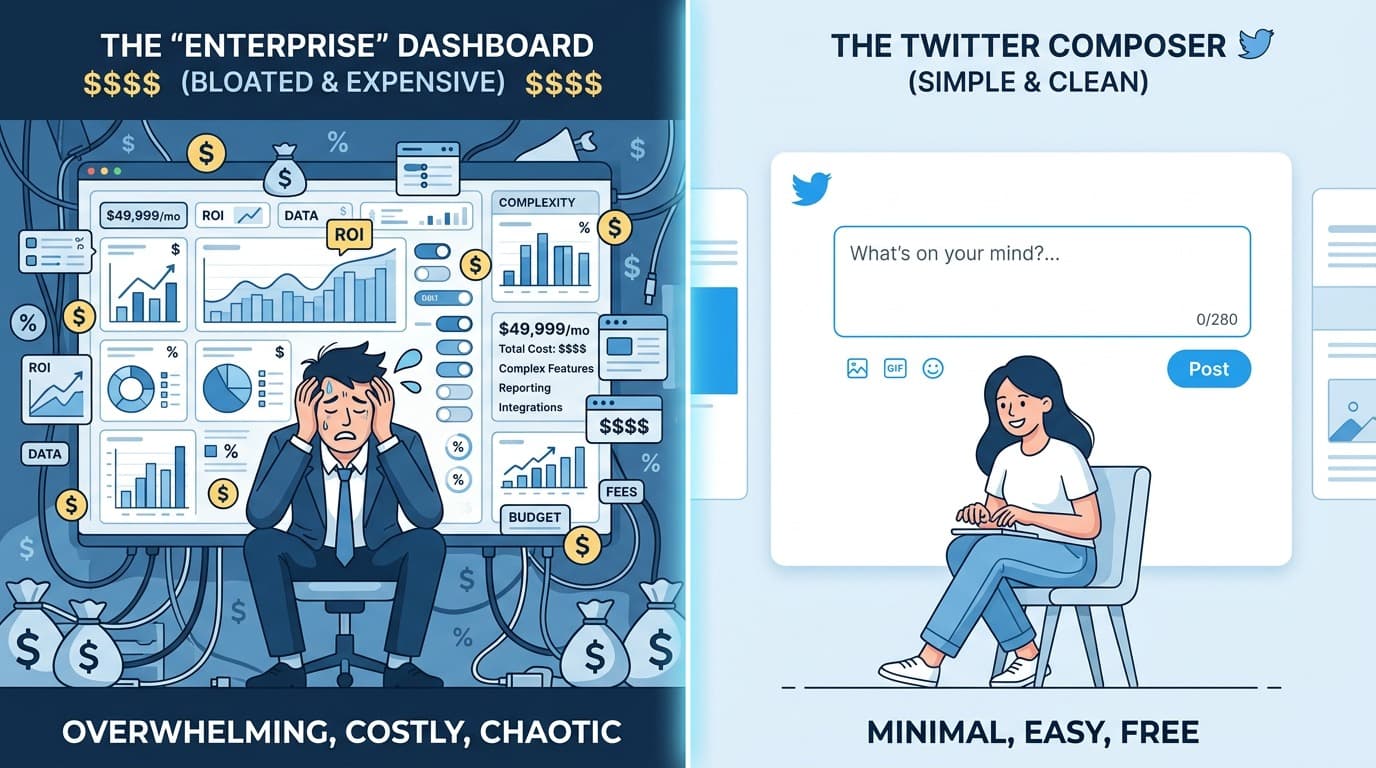
Hootsuite is enterprise software that happens to support Twitter. If you're managing social media for a company with approval workflows, team permissions, and compliance requirements, Hootsuite makes sense. If you're an individual creator, it doesn't.
The scheduling works fine. The analytics are detailed. But the interface feels like it was designed by committee. Everything takes too many clicks. The pricing is aggressive, starting at $99/month, and the free plan was killed off years ago.
I'm including Hootsuite because it still shows up in every "best twitter schedulers" list, but I wouldn't recommend it to anyone reading a blog post like this. It's built for social media managers at agencies, not for creators. If you're on Hootsuite and wondering whether there's a better option for Twitter specifically, I wrote a full Hootsuite alternative for Twitter comparison.
Pricing: Starts at $99/month.
Best for: Teams and agencies managing multiple brand accounts with approval workflows.
Quick comparison#
| Tool | Twitter-specific | AI writing | Threads | Free plan | Starting price |
|---|---|---|---|---|---|
| Buffer | No | No | Limited | Yes | $6/mo |
| EchoPost | Yes | Yes | No | No | $9/mo |
| Typefully | Yes | Limited | Yes | Yes | $12.50/mo |
| Hypefury | Yes | Yes | Yes | No | $19/mo |
| TweetDeck | Yes | No | No | With X Premium | $8/mo |
| Hootsuite | No | Yes | Limited | No | $99/mo |
So which one should you pick?#
Depends on your actual problem, but for most people I'd say start with EchoPost.
The hardest part of posting consistently on X isn't the scheduling. It's coming up with what to say. EchoPost has an Inspiration tab with tweet formats you can riff on and a Style tab that keeps the AI writing in your voice. The UI shows all your upcoming posts on one screen, and you can edit and schedule without digging through menus. It's built only for X, so the whole experience is designed around how Twitter actually works.
If you post across multiple platforms and need a unified dashboard, Buffer is the simplest option for that.
If you write long threads and care about the writing experience, Typefully has a polished editor for thread composition. I compared all the twitter thread schedulers in a separate post if threads are a big part of your strategy.
If you want growth automation and don't mind the complexity, Hypefury has the most features. Just be intentional about which automations you turn on.
If you're already paying for X Premium and your needs are basic, TweetDeck is right there. No need to add another subscription.
If you manage social accounts for a company, Hootsuite or a similar enterprise tool is probably what you need, though your company is likely already paying for one.
But if you're an individual creator who wants to post more without spending hours on it, I'd go with EchoPost. If you want a deeper look at what makes a good twitter scheduling app beyond features and pricing, I broke down the selection criteria in a separate post.
twitter schedulerschedule tweetstwitter toolsx scheduler
All postsRelated posts
·8 min read
The best Hootsuite alternative for Twitter in 2026
Hootsuite starts at $99/month and treats Twitter like every other platform. Here are the tools that actually make sense for individual creators on X.
hootsuite alternativetwitter schedulertwitter tools

·11 min read
how to schedule tweets in 2026 (every method, tested)
A complete, honest guide to scheduling tweets on X in 2026. I've tested every method — native scheduler, TweetDeck, and third-party tools. Here's what actually works.
schedule tweetstwitter schedulerschedule posts on x

·10 min read
Best X scheduler in 2026 (tested them all, ranked with opinions)
The platform is X now, not Twitter. Here's which schedulers have actually kept up — and which ones are still pretending it's 2022.
x schedulertwitter schedulerschedule x posts