·8 min read·Mariano
The best Hootsuite alternative for Twitter in 2026
Hootsuite starts at $99/month and treats Twitter like every other platform. Here are the tools that actually make sense for individual creators on X.
Hootsuite is built for teams, not creators#
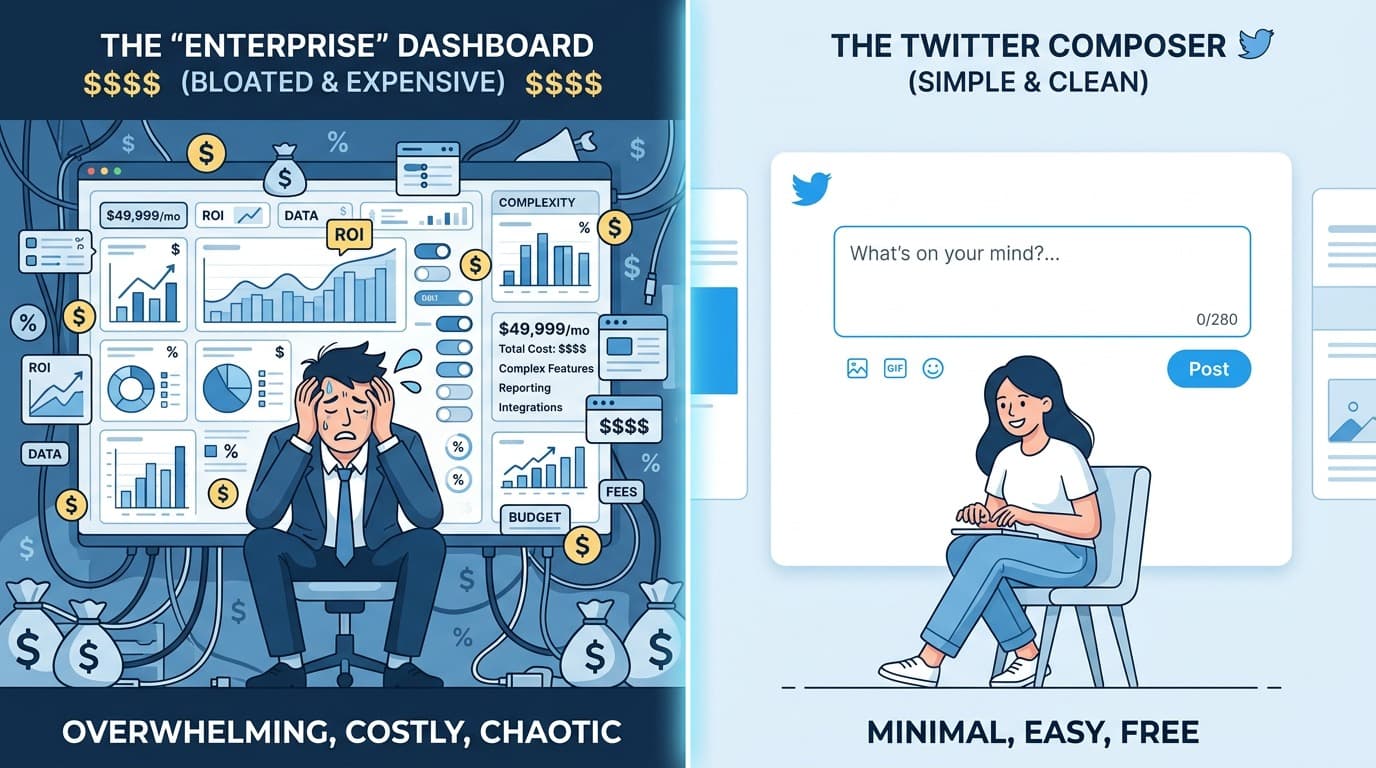
The first thing you notice about Hootsuite is the price. $99/month is the entry point, and that's before you add extra users or unlock features that competitors include by default. The free plan disappeared years ago. The cheapest tier limits you to 10 scheduled posts per month, which is less than posting once every three days.
That pricing exists because Hootsuite's actual customers are social media agencies and enterprise marketing teams. They need approval workflows, role-based permissions, compliance features, and multi-brand management. For that use case, $99/month is probably reasonable.
If you're a creator, consultant, or indie founder who just wants to post consistently on X, you're paying for a product that was never designed for you.
Here's what actually makes sense.
EchoPost#
Full disclosure: I built EchoPost. I'm biased. Read everything I say about it knowing that.
I built it because I kept running into the same problem: I'd open whatever scheduler I was using, stare at the blank composer, and close the tab. The scheduling was fine. Coming up with something worth posting wasn't. EchoPost is specifically built around that problem.
The core feature is AI tweet generation that matches your voice. You can import writing samples or pull in tweets from creators you want to learn from, and the AI picks up on the patterns — sentence length, tone, how they open a tweet, how they end one. When you generate tweets, they sound like you wrote them, not like a generic AI output.
There's also an Inspiration tab where you drop in a topic or rough idea and get back a batch of tweet options. You pick the ones you like, edit if needed, and schedule them. It handles the blank-page problem before it ever becomes a scheduling problem.
What EchoPost doesn't have: thread scheduling (it's coming), a free plan (there's a 7-day trial), and multi-platform support. It's X-only, which I think is the right trade-off — every feature is designed around how Twitter actually works rather than trying to serve Instagram and LinkedIn with the same interface.
Pricing: $9/month early bird for the next 50 signups, $19/month regular. 7-day free trial.
Best for: People who struggle with what to post, not just when to post it.
Buffer#
Buffer has been around since 2010, which is basically ancient by social media tool standards. It still works the way it always did: connect your accounts, set a posting schedule, add tweets to your queue, and Buffer posts them in order.
That simplicity is its main appeal. There's no learning curve. You write a tweet, pick a time slot, hit schedule. The queue system means you don't have to think about timing — just keep the queue topped up and posts go out at the times you've set.
The downside is that Buffer treats every platform identically. The same composer you use for Twitter also handles Instagram, LinkedIn, Facebook, and Pinterest. There's no understanding of what makes a good tweet versus a good LinkedIn post. No thread support. Basic analytics. No AI writing help. It's a neutral container for posts, not a tool that cares about X specifically.
If you post on four or five platforms and want one place to manage everything, Buffer is probably the easiest option at the lowest cost. If Twitter is your main platform and you want something that actually understands it, Buffer will feel limited quickly.
Pricing: Free for 3 channels. Paid starts at $6/month per channel.
Best for: Multi-platform posters who want simplicity over depth.
Typefully#
Typefully is the tool I'd recommend most often to someone who takes Twitter seriously and already knows what they want to say. The writing experience is the best of any Twitter tool I've used.
The editor feels like a focused writing app. Threads work well — you write each tweet as a card, drag to reorder, and preview exactly how it'll look before posting. They have analytics that show impressions, engagement, and follower growth. Tweet Shots let you turn long text into images for tweets that would break the character limit otherwise.
Where Typefully doesn't help: if you're staring at a blank editor with nothing to write, it can't get you unstuck. The AI features are limited to rewriting what you've already written, not generating new ideas. If blank page syndrome is your actual problem, Typefully solves the wrong thing. I did a full Typefully alternative comparison if you want to see how it stacks up against other options.
Pricing: Free plan available (limited). Pro is $12.50/month billed annually.
Best for: Writers who draft threads and want a clean, dedicated writing environment.
Hypefury#
Hypefury leans into growth automation more than any other tool on this list. It schedules tweets and threads, but the distinguishing features are things like auto-plug (adding a promotional reply when a tweet gains traction), auto-retweet of your best content, and engagement campaign tools.
It works, in the sense that those automations do generate more profile visits and follower growth in the short term. Whether that growth is meaningful — whether the followers you gain actually care about what you post — is a different question. I go back and forth on the auto-plug feature specifically. It gets clicks. It also irritates people.
As a Hootsuite replacement, Hypefury makes sense if you want growth automation bundled with scheduling. The writing experience is functional but not exceptional. The UI is busy because it tries to do a lot. It takes time to learn where everything is.
Pricing: Starts at $19/month.
Best for: Accounts focused on follower growth who want automation beyond basic scheduling.
TweetDeck (X Pro)#
TweetDeck is what you use if you're already paying for X Premium and want basic scheduling without adding another tool. It's included in the $8/month X Premium subscription.
The column-based layout is useful if you monitor multiple feeds — keywords, lists, specific accounts — at the same time. Scheduling is straightforward: pick a date and time, done. There's no queue system, no AI, no suggested posting times, nothing clever. Just a date picker and a post button.
I think of TweetDeck as a monitoring tool that also schedules, not a scheduling tool that also monitors. If you're an active Twitter user who needs to watch several feeds simultaneously, TweetDeck makes sense. If you just want to schedule a week of tweets on Sunday and forget about it, TweetDeck's limitations will frustrate you fast. I covered TweetDeck alternatives in more depth in a separate post.
Pricing: Included with X Premium ($8/month).
Best for: X Premium subscribers who want basic scheduling without a separate subscription.
Comparison#
| Tool | Twitter-focused | AI writing | Threads | Free plan | Starting price |
|---|---|---|---|---|---|
| EchoPost | Yes | Yes, style-matched | No | No (7-day trial) | $9/mo |
| Buffer | No | No | No | Yes | $6/mo per channel |
| Typefully | Yes | Limited | Yes | Yes (limited) | $12.50/mo |
| Hypefury | Yes | Basic | Yes | No | $19/mo |
| TweetDeck | Yes | No | No | No (via X Premium) | $8/mo |
| Hootsuite | No | Basic | Yes | No | $99/mo |
Which one to pick#
The honest answer is that it depends on your specific problem.
If the hard part is figuring out what to tweet, EchoPost addresses that before you ever get to the scheduling step. The AI generation and the Inspiration tab mean you're picking from options rather than starting from nothing. It's X-only by design, and the whole experience is built around how Twitter works specifically. There's a 7-day trial, and if you're one of the next 50 signups, the $9/month price is locked forever.
If you post on multiple platforms and just need one place to manage everything, Buffer is the most straightforward option. It's not exciting, but it works and the free plan is genuinely useful.
If you write long threads and want the best possible writing experience, Typefully is hard to beat for that specific workflow. I covered the best twitter thread schedulers in a separate post if threads are central to your strategy.
If you're already on X Premium and your needs are basic — a handful of scheduled tweets per week — TweetDeck is sitting right there.
Hootsuite makes sense for social media teams at companies. If you're reading this and thinking about replacing it as an individual creator, you almost certainly don't need what it's charging you for. Anything else on this list will cost less and work better for what you're actually doing.
One thing worth saying clearly: the tool matters less than using it consistently. The best scheduler is whichever one you actually open. If scheduling tweets consistently is the goal, pick something and stick with it for 60 days before deciding whether to switch.
hootsuite alternativetwitter schedulertwitter toolsx scheduler
All postsRelated posts

·9 min read
Best Twitter schedulers in 2026 (I tried them all)
An honest look at the best tools to schedule tweets on X in 2026. I've used every one of these, including the one I built myself.
twitter schedulerschedule tweetstwitter tools

·10 min read
Best X scheduler in 2026 (tested them all, ranked with opinions)
The platform is X now, not Twitter. Here's which schedulers have actually kept up — and which ones are still pretending it's 2022.
x schedulertwitter schedulerschedule x posts

·12 min read
The best Buffer alternative for Twitter in 2026 (for X-focused creators)
Looking for a Buffer alternative for Twitter? I compared EchoPost, Typefully, Hypefury, Publer, Later, and Hootsuite to find the best option depending on what you actually need.
buffer alternativebuffer alternative for twittertwitter tools