·9 min read·Mariano
How to schedule tweets on X (every method, compared)
A step-by-step guide to scheduling tweets on X in 2026. Covers the native scheduler, TweetDeck, and third-party tools like EchoPost, Buffer, and Typefully.
You have more options than you think#
X has a built-in tweet scheduler. It's been there for years, but most people don't know about it because the button is easy to miss. There's also TweetDeck (now called X Pro), and then a whole ecosystem of third-party apps that add features X doesn't offer natively.
I've used all of them. Here's how each one works, what it's good for, and where it falls short.
Method 1: X's native scheduler#
This is the simplest way to schedule tweets on X. No extra apps, no signups, no cost.
How to do it:
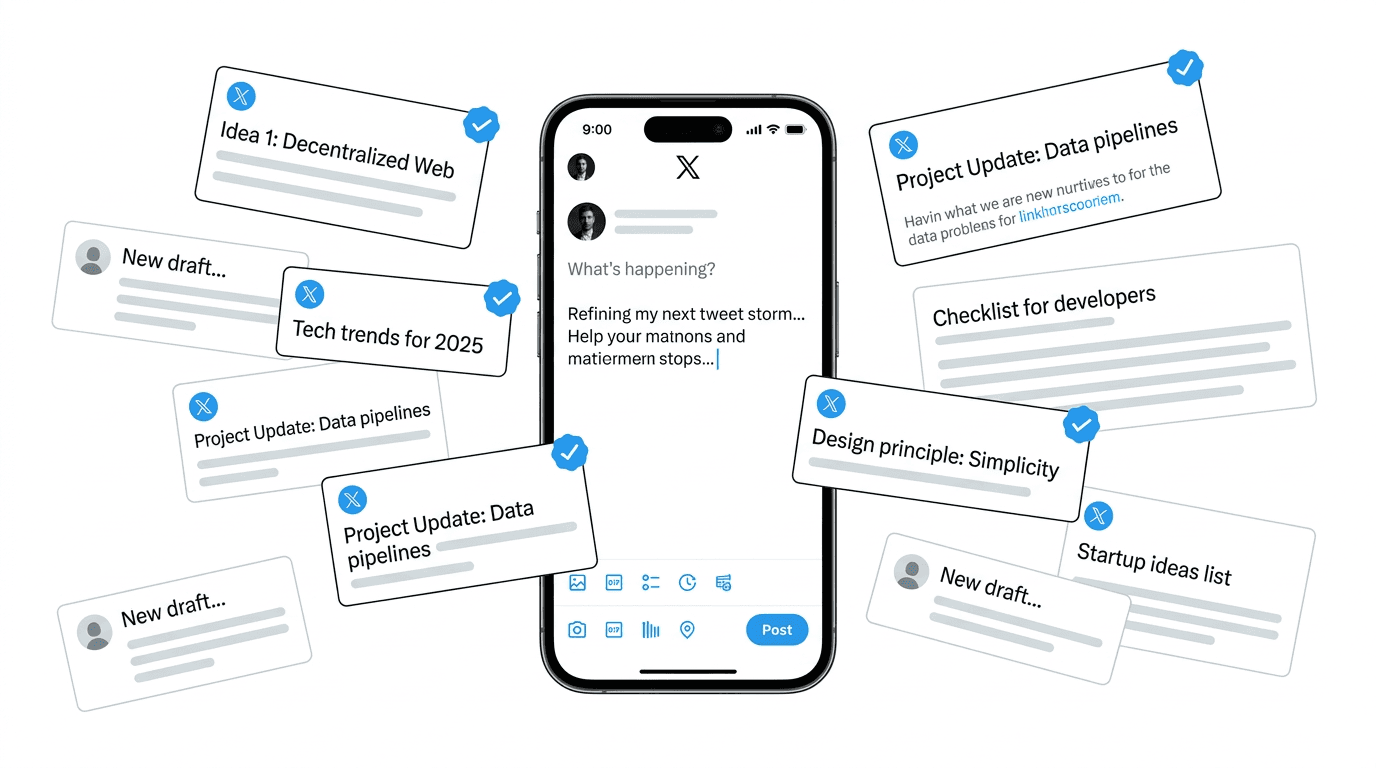
- Open X and click the compose button (the blue "+" on mobile, or the "Post" box on desktop)
- Write your tweet
- Look for the calendar icon in the bottom row of the composer toolbar — it's between the emoji picker and the location pin
- Click it, pick your date and time
- Hit "Schedule" instead of "Post"
That's it. Your tweet will go out at the time you picked.
To see your scheduled tweets: On desktop, click "Scheduled" in the left sidebar under "More." On mobile, tap the calendar icon in the composer, then "Scheduled tweets" at the top.
What's good about it: Zero setup, free, works on web and mobile, tweets post natively (no "sent via [app name]" tag).
What's missing: You can't schedule threads. There's no queue system — you have to manually pick date and time for every single tweet. No analytics beyond what X already shows. No AI writing help. No way to batch-schedule multiple tweets at once. If you want to schedule 20 tweets for the week, you're doing it one at a time.
For someone who schedules a tweet or two per week, the native scheduler is perfectly fine. For anyone posting daily or managing content as part of a strategy, it gets tedious fast.
Method 2: TweetDeck (X Pro)#
TweetDeck used to be a free standalone app. X absorbed it and put it behind the X Premium subscription. If you're already paying $8/month for Premium (for the blue checkmark, edit button, longer posts, etc.), TweetDeck is included.
How to do it:
- Go to tweetdeck.twitter.com or click "TweetDeck" in X's left sidebar
- Click the compose button
- Write your tweet
- Click the calendar icon or "Schedule" button
- Pick date and time, hit schedule
TweetDeck also lets you set up columns for monitoring keywords, lists, and notifications. It's a power-user tool for people who live inside X all day.
What's good about it: Column-based layout for monitoring multiple feeds simultaneously. Supports scheduling for multiple accounts. Lives inside the X ecosystem, so tweets post natively.
What's missing: Same limitations as the native scheduler when it comes to content creation. No AI, no queue system, no suggested posting times. The interface looks like it hasn't been redesigned since 2019. And it's not free anymore — you need X Premium.
TweetDeck makes sense if you're already on X Premium and you want scheduling plus real-time monitoring in one interface. If you're paying $8/month specifically for scheduling, there are better options.
Method 3: Third-party scheduling tools#
This is where the options get interesting. Third-party tools exist because X's native scheduling is bare-bones. They add queue systems, analytics, AI writing, thread scheduling, optimal time suggestions, and more. I did a deep comparison of the best twitter schedulers if you want the full breakdown of each one.
The tradeoff is always the same: you get more features, but you're giving a third-party app access to your X account, and most of them cost money.
Here are the ones worth considering.
EchoPost#
I built EchoPost, so I'll be upfront about that bias. I built it because I got tired of staring at a blank composer and scheduling mediocre tweets just to stay consistent.
EchoPost is different from most schedulers because the focus isn't on the scheduling part — it's on the writing part. The AI generates tweets in your voice (or in the style of creators you admire), and you pick the ones you want to schedule. There's also a batch mode where you type a topic and get multiple tweet ideas back at once.
How to schedule a tweet:
- Sign in at echopost.uk
- Either write your own tweet or use the AI to generate one
- Pick a time slot from your schedule
- Done
The scheduling interface is simple because the hard part — figuring out what to post — is handled by the AI. You can also use the Inspiration feature to generate a batch of ideas and cherry-pick the best ones.
What's good about it: AI that actually matches your writing style. Batch idea generation. Built specifically for X, not a multi-platform tool trying to do everything.
What's missing: No thread scheduling yet. No free plan (there's a 7-day trial). Still early — I'm adding features regularly but it doesn't have the breadth of tools that have been around for 10 years.
Pricing: $9/month early bird (next 50 signups, locked for life), $19/month regular. 7-day free trial.
Buffer#
Buffer is the oldest social media scheduler that's still relevant. It supports X along with Instagram, LinkedIn, Facebook, and others.
How to schedule a tweet:
- Connect your X account in Buffer
- Set up your posting schedule (e.g., 9 AM, 12 PM, 6 PM on weekdays)
- Write tweets and add them to your queue
- Buffer posts them in order at your scheduled times
The queue system is Buffer's best feature. Instead of picking a date and time for each tweet, you just drop tweets into the queue and they go out at the next available slot.
What's good about it: Queue system saves time. Clean interface. Supports multiple platforms. Free plan available.
What's missing: Treats Twitter the same as every other platform. No thread support. No AI writing. Analytics are basic.
Pricing: Free for 3 channels. Paid starts at $6/month per channel.
Typefully#
Typefully is built specifically for X (and Bluesky). If you write threads, this is probably the best scheduling tool available.
How to schedule a tweet:
- Write your tweet or thread in Typefully's editor
- Click "Schedule" and pick a time, or add it to your queue
- Typefully posts it at the scheduled time
The editor is clean and distraction-free. Thread composition is drag-and-drop. They also have analytics that show you which tweets performed best.
What's good about it: Best thread editor available. Good analytics. Tweet shots (turning text into images). Queue system.
What's missing: Pricey for what you get. Limited AI features. No batch content generation.
Pricing: Limited free plan. Pro is $12.50/month billed yearly.
Hypefury#
Hypefury is more of a growth tool than a pure scheduler. It schedules tweets but also auto-retweets your best performers, adds promotional replies to viral tweets, and has engagement automation features.
How to schedule a tweet:
- Write your tweet in Hypefury
- Schedule it or add it to your queue
- Optionally set up auto-plugs, auto-retweets, and engagement rules
What's good about it: Most automation features of any scheduling tool. Growth-focused. Good for people optimizing follower count.
What's missing: UI is cluttered because it does so much. Some automation features feel spammy. Expensive.
Pricing: Starts at $19/month.
Quick comparison#
| Method | Cost | AI writing | Threads | Queue system | Best for |
|---|---|---|---|---|---|
| X native | Free | No | No | No | Occasional scheduling |
| TweetDeck | $8/mo (with X Premium) | No | No | No | Monitoring + basic scheduling |
| EchoPost | $9/mo | Yes | No | Yes | Writing help + scheduling |
| Buffer | Free / $6/mo | No | No | Yes | Multi-platform posting |
| Typefully | Free / $12.50/mo | Limited | Yes | Yes | Thread writers |
| Hypefury | $19/mo | Yes | Yes | Yes | Growth automation |
Which method should you use?#
If you schedule fewer than 5 tweets per week and don't need help writing them, the native X scheduler is fine. It's free and it works.
If you're already paying for X Premium and want a bit more control, TweetDeck is sitting right there. Use it.
If your problem is figuring out what to tweet more than when to tweet it, EchoPost handles both. The AI writing is the main draw — scheduling is straightforward once you know what you want to say.
If you post across multiple social platforms, Buffer keeps everything in one place without much cost.
If you write threads regularly, Typefully has the best editor for that specific format. I wrote a dedicated comparison of twitter thread schedulers if that's a big part of your workflow.
If you want to automate as much of your Twitter growth as possible, Hypefury has the most levers to pull.
Most people overthink this. Pick the one that solves the specific friction you're experiencing. If you're not posting because you can't think of what to say, the scheduling tool doesn't matter — you need a writing tool. I tested a bunch of AI tweet generators and most of the free ones aren't great, but a good one can solve the blank-page problem. If you're writing plenty but posting inconsistently, you need a queue. I also wrote a broader comparison of twitter scheduling apps that goes deeper into what makes each type of tool worth it. If you came here specifically because TweetDeck went behind a paywall and you're looking for a free replacement, I wrote a dedicated post on the best TweetDeck alternatives. If you want to go a level above scheduling and actually plan your content in advance, I wrote a guide to building a twitter content calendar that keeps the queue full without the Sunday-night panic. Match the tool to the actual problem.
schedule tweetshow to schedule tweets on xtwitter schedulingx scheduler
All postsRelated posts

·11 min read
how to schedule tweets in 2026 (every method, tested)
A complete, honest guide to scheduling tweets on X in 2026. I've tested every method — native scheduler, TweetDeck, and third-party tools. Here's what actually works.
schedule tweetstwitter schedulerschedule posts on x

·9 min read
Best Twitter schedulers in 2026 (I tried them all)
An honest look at the best tools to schedule tweets on X in 2026. I've used every one of these, including the one I built myself.
twitter schedulerschedule tweetstwitter tools

·8 min read
The best Hootsuite alternative for Twitter in 2026
Hootsuite starts at $99/month and treats Twitter like every other platform. Here are the tools that actually make sense for individual creators on X.
hootsuite alternativetwitter schedulertwitter tools